
Manage every review in one place, show it on your website, and feed it to the AI travellers ask.
95%
of reviews on tour operator websites were invisible to AI.
TripAdmit AI Visibility Audit of 50 tour operator websites, 2026. Average across all sites.
AI crawlers never click, so they never see the reviews.
A machine can’t read an image as a rating.
The full set lives on the widget provider’s domain, not yours.
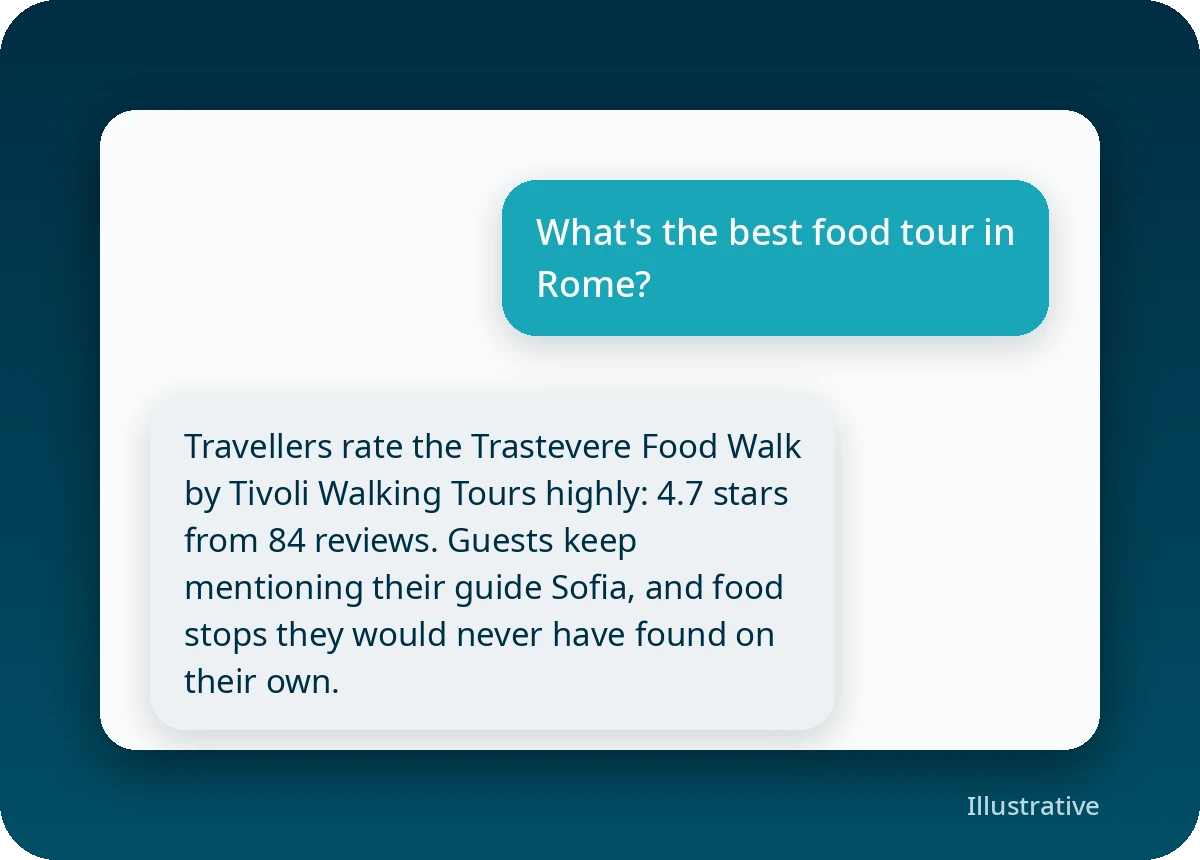
They used to search Google and click a few results. Now many ask ChatGPT or Google’s AI “what’s the best food tour in Rome?” and take the answer as given. That answer is one or two recommendations.
The AI can only recommend what it can read. Your reviews should be the first thing it finds.
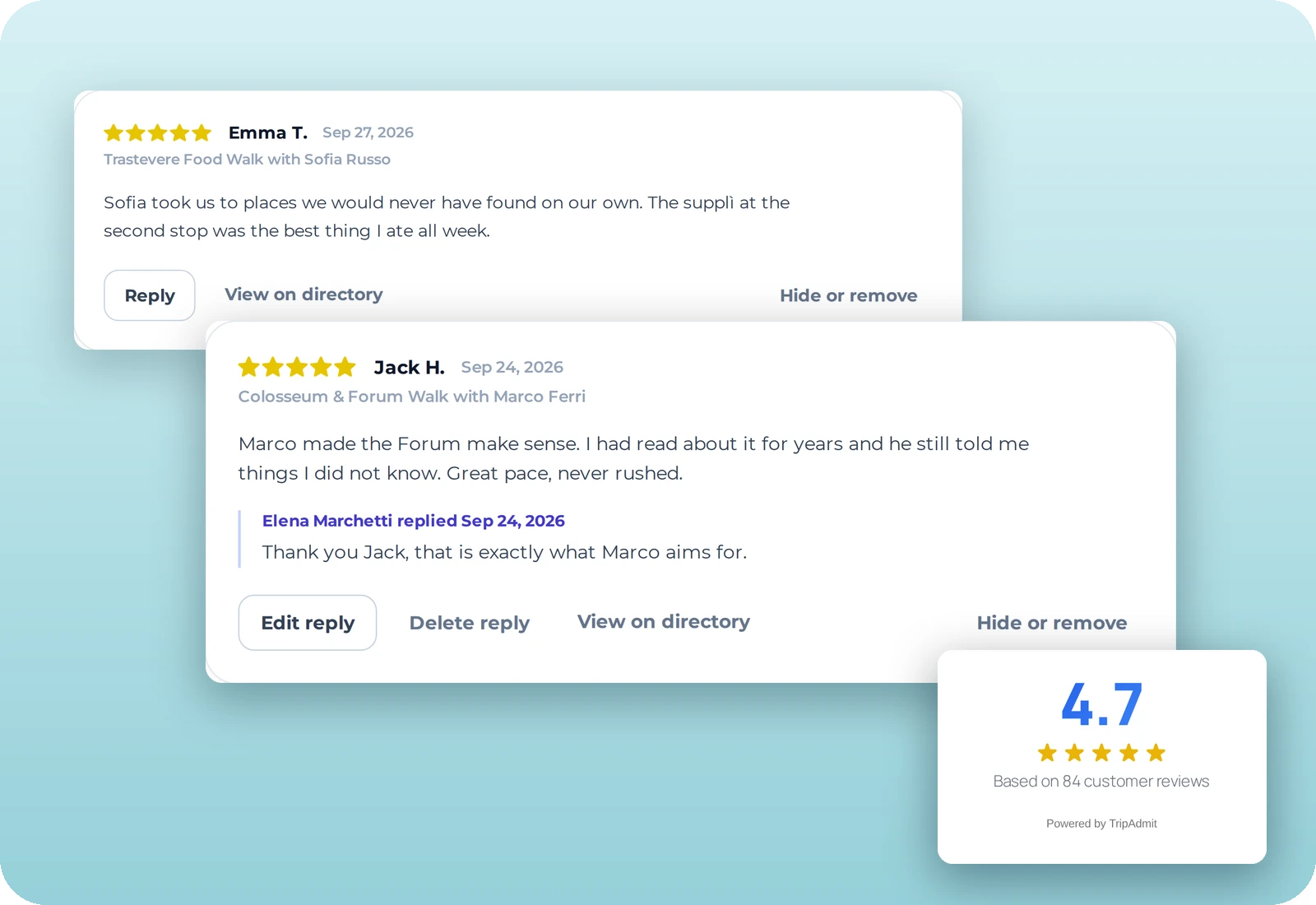
The Review Hub, Review Widgets and the AI Feeder come as one. Reviews your guests leave directly with TripAdmit flow through all three, from your back office to your website to the AI.
Your back office for every review. Approve, tag and publish reviews to the right tour page, or let your rules do it.

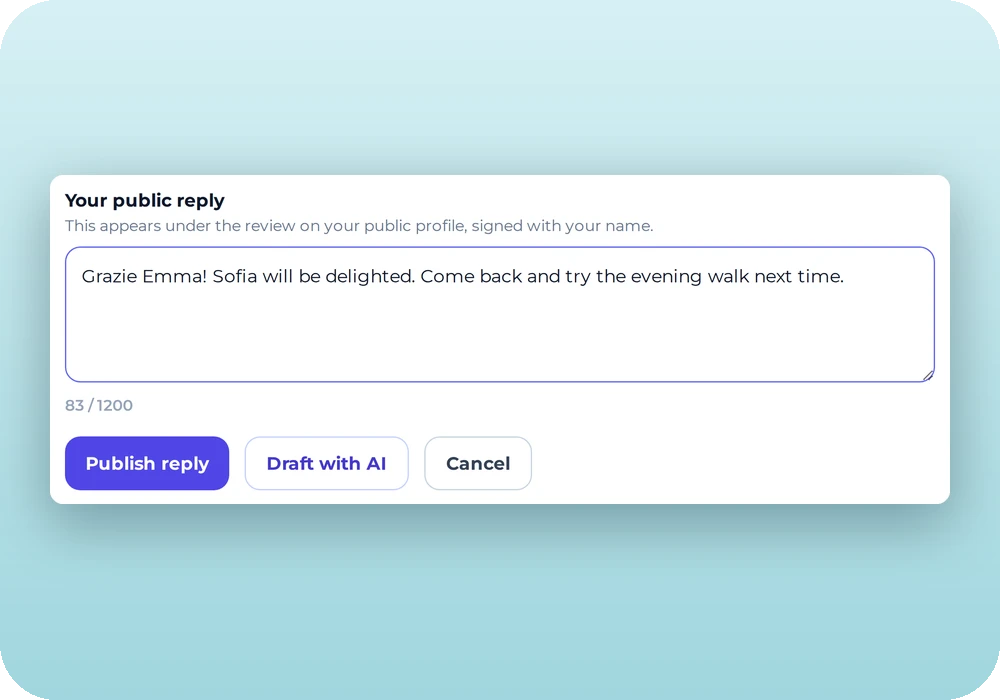
Grid, list, carousel and badge layouts in your brand. One line of code, no developer.
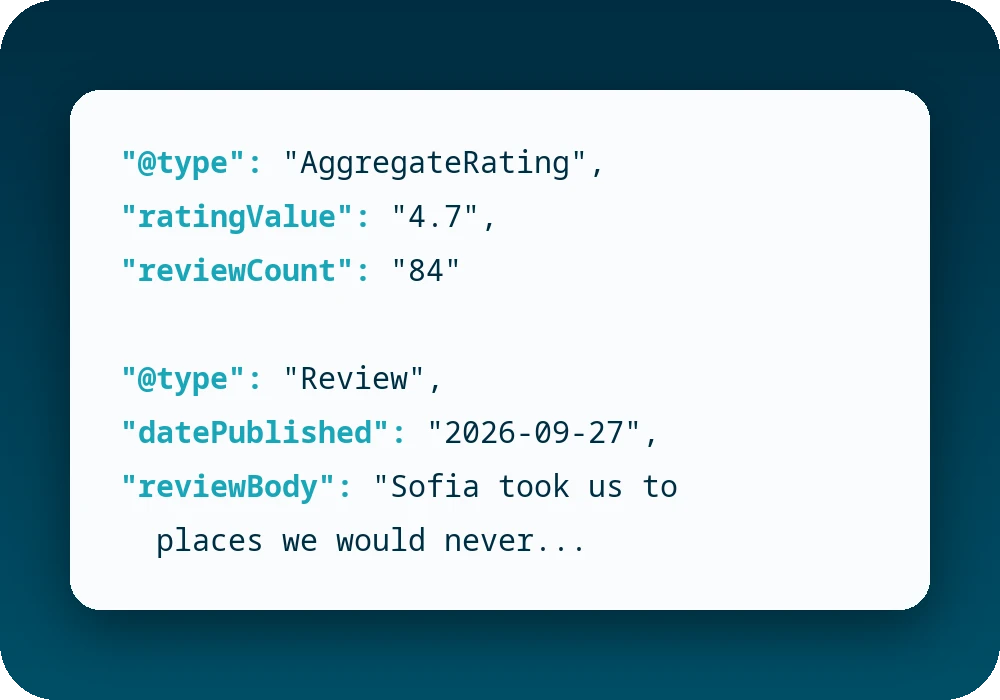
Writes your reviews and ratings into the page so AI assistants can read them. Other widgets stop at display.
Guests review on the tour or after it, with the TripAdmit tools you already use.
Every review lands in the Review Hub. Approve it, tag it to a tour, or let your rules publish it.
Paste one line of code. New reviews appear the moment a guest submits them.
Your reviews and ratings sit in the page itself, ready for AI crawlers to read.
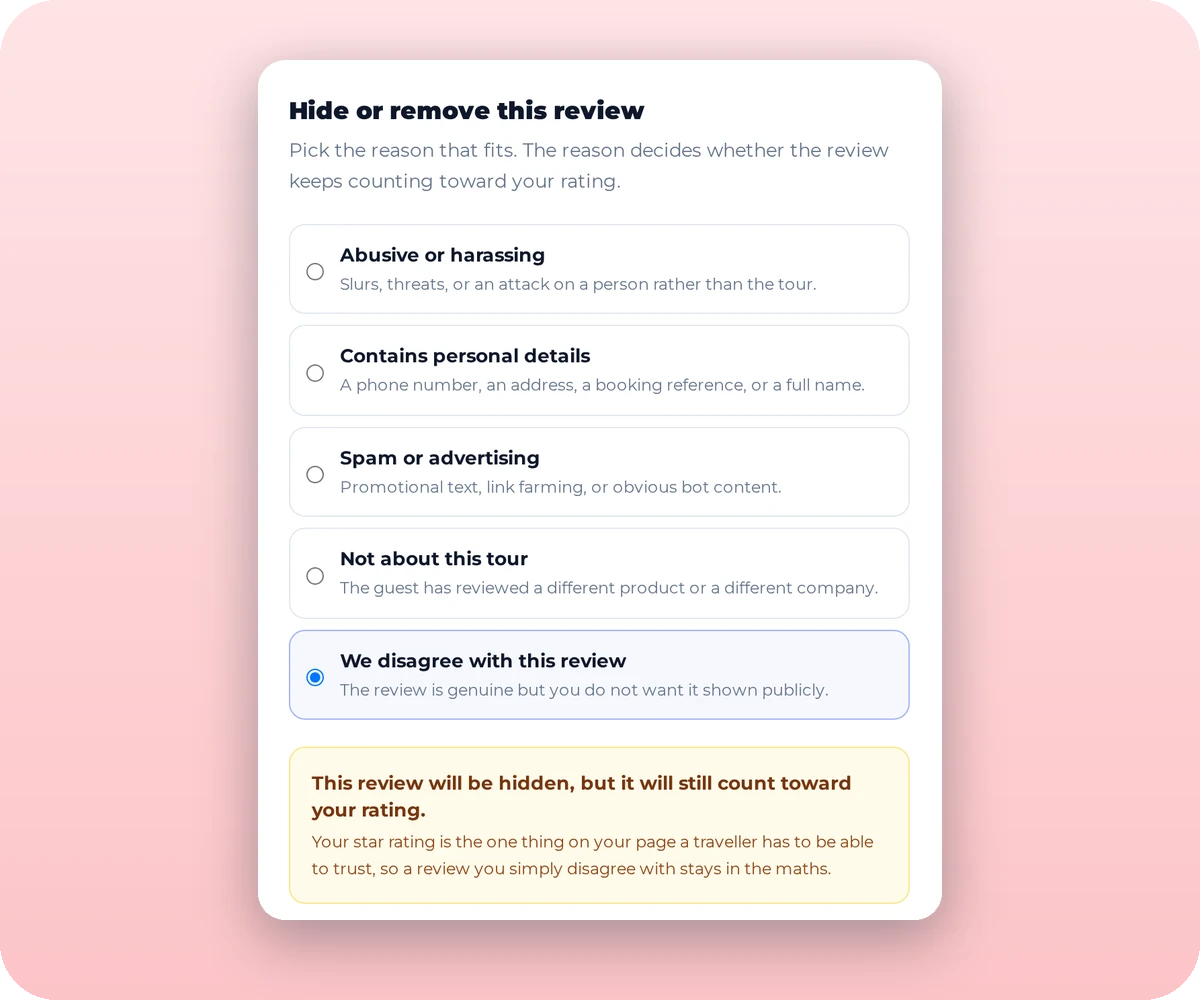
Choose which reviews appear on which pages.
Publish every five-star review automatically.
Each tour page shows reviews for that tour.
Upload past reviews by CSV or Excel so pages look full from day one.
Both are valuable. Only one kind helps you get found.
| Collected with TripAdmit | Viator, GetYourGuide, Tripadvisor | |
|---|---|---|
| Whose are they? | Yours, even if you ever leave us | The platform’s |
| On your website | In full, on every tour page | As a badge |
| Readable by Google and AI | Yes | No, their contracts don’t allow it |
We don’t scrape. Ever. Every review we display was collected from your guest or shared with the platform’s permission.
Guide App, NFC cards, QR codes, links, and follow-ups by email, SMS and WhatsApp.
Review Hub, Review Widgets and the AI Feeder. New, and the subject of this page.
Coming next: the Product Improvement Platform turns guest feedback into better tours.
The Review Hub is your back office, where you manage every review. Review Widgets put those reviews on your website. The AI Feeder makes the same reviews and ratings readable by AI assistants and search engines.
They come together as one solution. The AI Feeder works through the widgets, and the widgets show the reviews you manage in the Review Hub.
Ask your account manager to switch the Review Hub on. The reviews you already hold are there from day one.
You can show them as badges. Their contracts don’t allow their reviews to be copied onto your site or fed to the AI, and we never scrape them.
Yes. Upload past reviews by CSV or Excel so your pages look full from the start.
No. The widgets are built to load fast and work on phones as well as desktops.
No one can guarantee that. The AI weighs many things. What we make sure of is that it can read your reviews and your rating, which most operator websites fail today.
We’ll check one of your tour pages for free and show you which reviews the AI can read today, and what changes with the AI Feeder switched on.
Already capturing with TripAdmit? Your account manager can switch the Review Hub on.
Get Reviews. Get Recommended. Sell More.