Can the AI read your reviews? We'll check one of your tour pages for free.
Get a free AI check
This feature allows guides to utilize resources (bus, car, boat, table or building) as additional touchpoints for collecting tips and reviews.

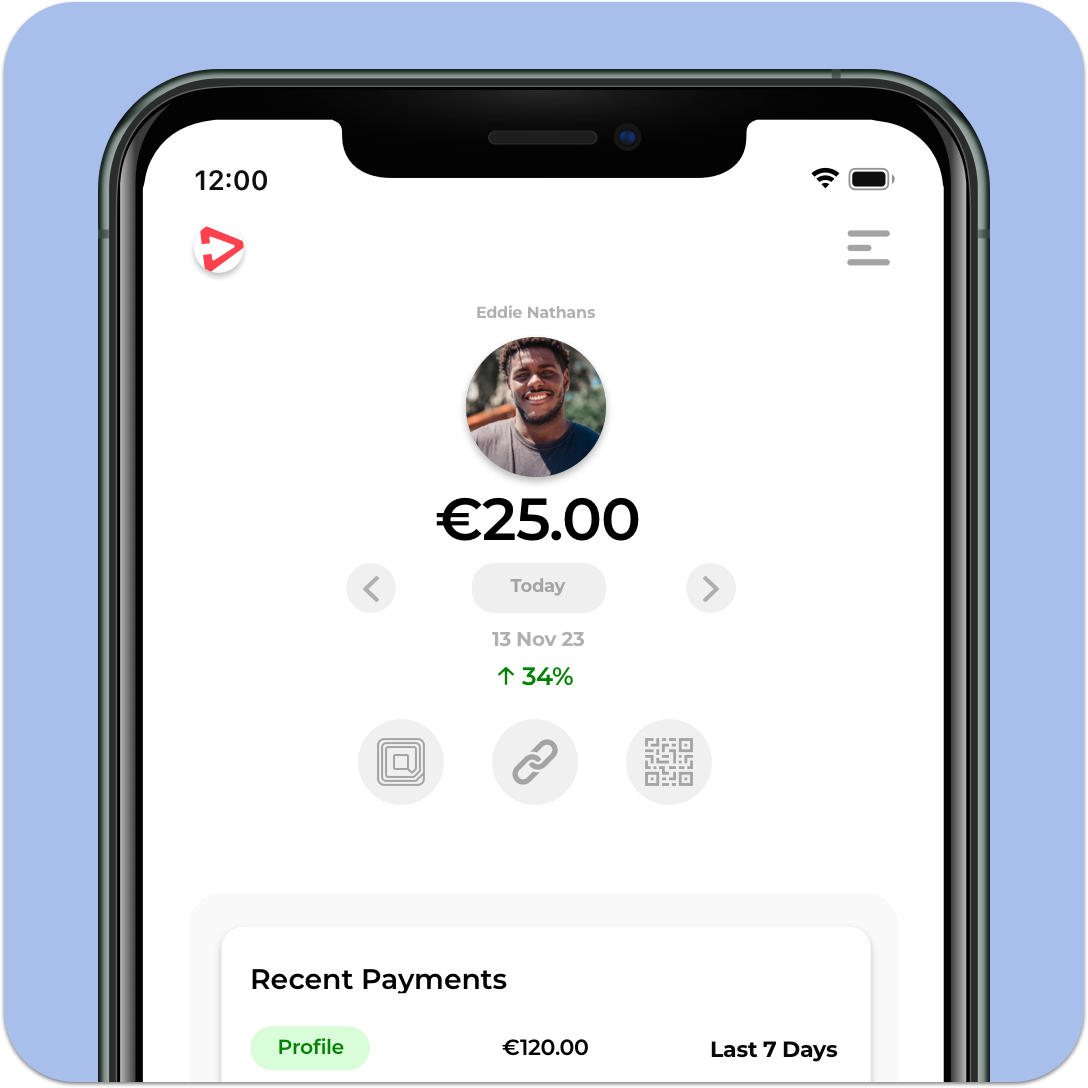
Start by logging in to your TipDirect account on the app or web on your phone. We would strongly recommend downloading the TipDirect App as this will ensure you always have the quickest access to taking over a resource.
Once you are logged in, scan any one of the resource’s QR codes and claim that resource by adding it to your temporary team. Now all tips collected via every QR code on that resource will go to you and all reviews will be attributed to you.
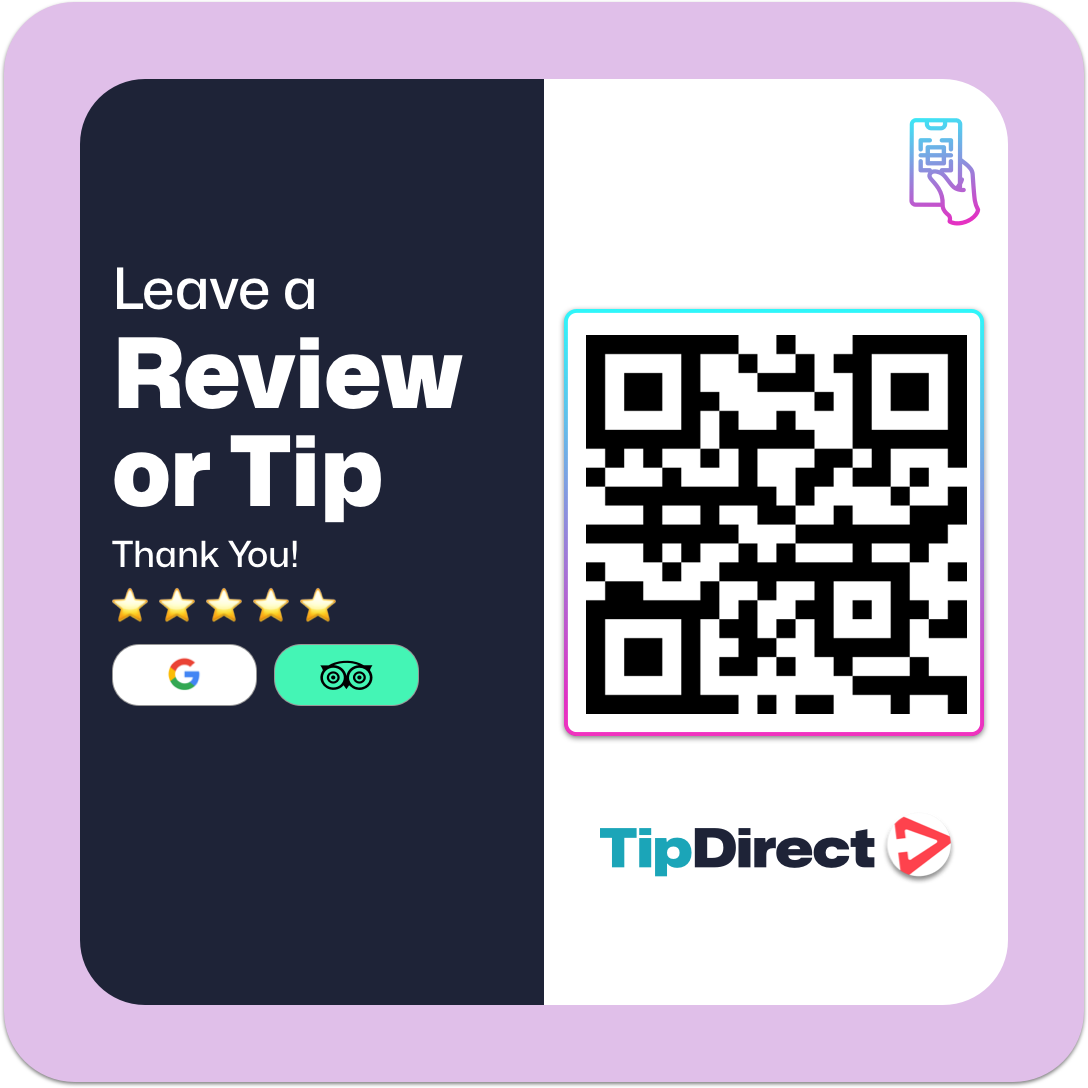
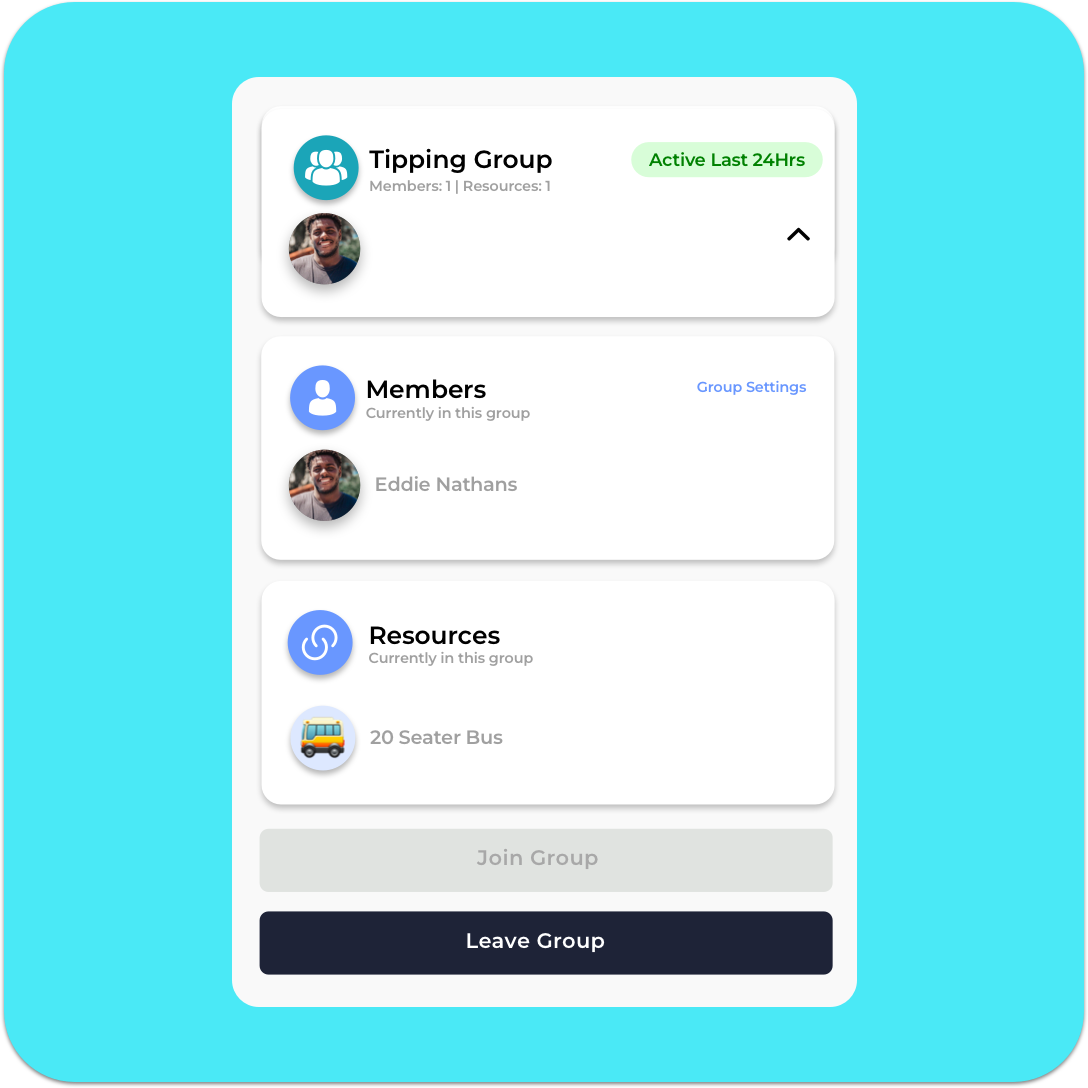
When your shift ends make sure to remove the resource from our team, but if you forget, don’t worry about it as the next shift will make sure to take it over in your place.
If a resource is not claimed by you or another guide, the QR code will default to linking with the company’s Guide Gallery. The Guide Gallery is a collection of all guides associated with the company, ensuring that tips and reviews are still collected and distributed fairly. This default setting ensures no tips are lost and visitors can continue to leave their appreciation and reviews.
If you’re ready to turn customer feedback into a competitive advantage, TripAdmit’s Product Improvement Platform gives you the intelligence to identify opportunities, fix vulnerabilities and continuously improve your tours.

