Can the AI read your reviews? We'll check one of your tour pages for free.
Get a free AI check
The ultimate solution to feature all guides on a dedicated page.
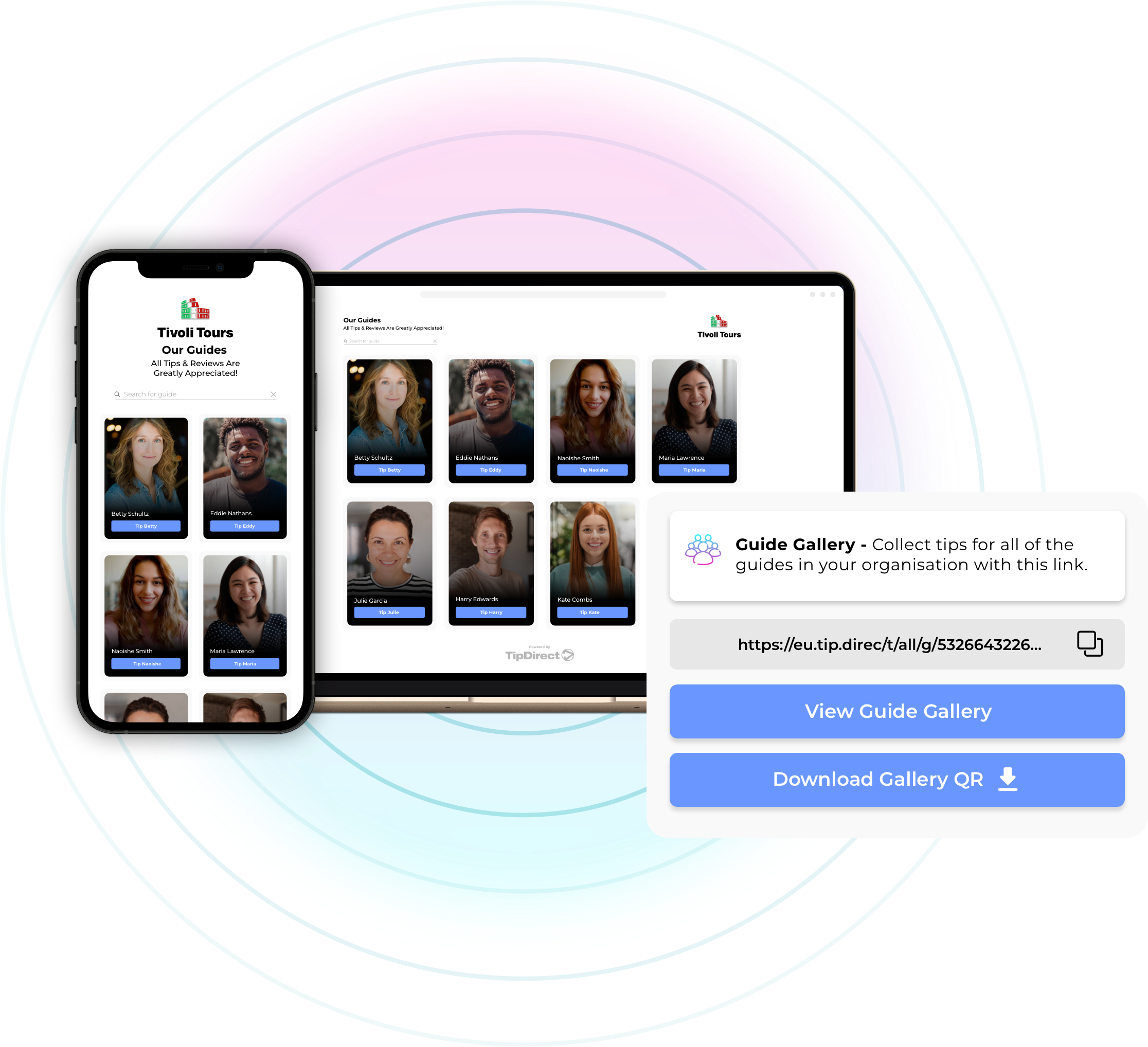

The Guide Gallery allows guests to easily find their guide after the tour is over, leaving reviews and digital tips hours, days, and weeks later. By providing a centralized platform for showcasing your guides, you can ensure they receive the recognition and tips they deserve, enhancing overall guest engagement long after the event has ended.
Guests can leave reviews and digital tips directly from the Guide Gallery page. This integrated review and tipping system ensures that feedback and tips are centralized and easily accessible, helping you gather valuable reviews and automatically add them to your listings, thereby improving guest engagement.
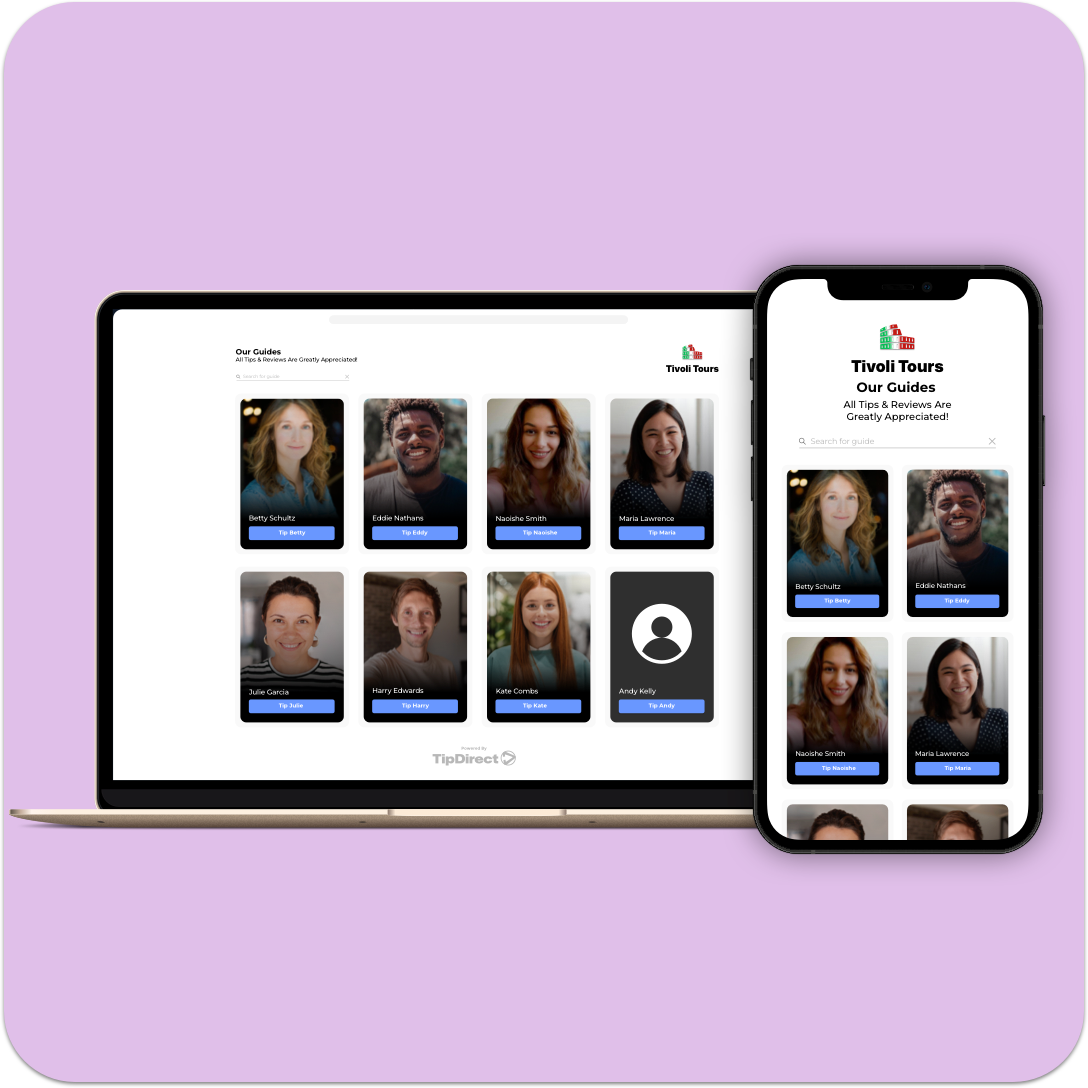

Guide Gallery features detailed profiles of all your guides. Each profile includes the guide’s name, photo, nickname, and links to their digital tipping profile. This comprehensive information allows guests to easily find and tip their guide long after the tour has passed, increasing guest engagement.
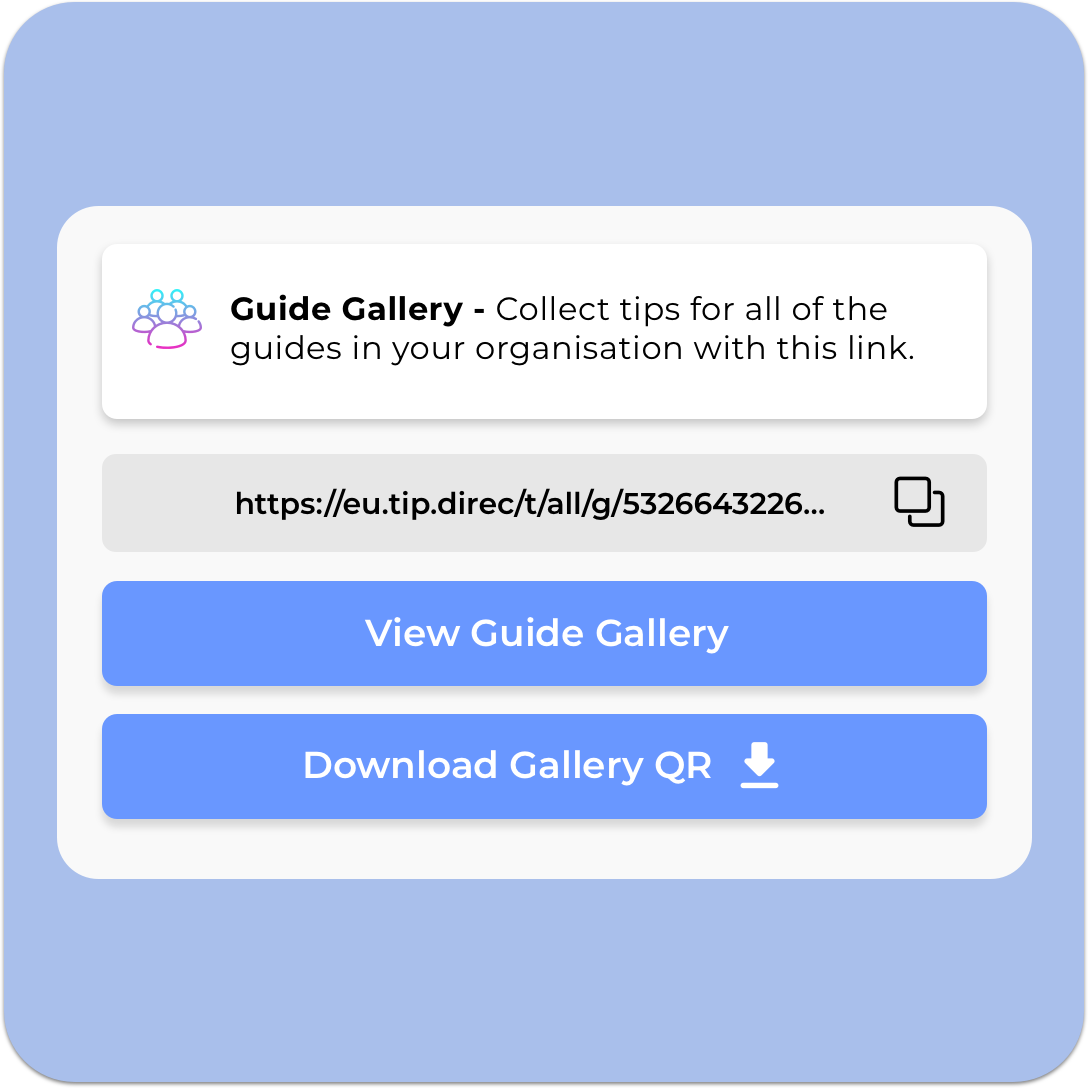
Activity providers can share the Guide Gallery link in follow-up emails and messages after the tour. Additionally, the Guide Gallery can be linked via QR codes on resources such as buses, boats, tip cups, or attractions, ensuring guests can easily access the page at any time, further enhancing guest engagement.

By providing a centralized platform for guests to find their guides, leave reviews and digital tips, the Guide Gallery significantly enhances guest engagement. Guests appreciate the convenience and are more likely to leave positive reviews and tips.

Guide Gallery ensures that guides receive the recognition and tips they deserve, even after the event is over. By making it easy for guests to leave reviews and digital tips, you can increase the quantity and quality of feedback and earnings for your guides, boosting guest engagement.

Social media integration allows guests to follow and share their experiences, boosting your online presence. This increased visibility can attract more guests and enhance your reputation, contributing to better guest engagement.

From the guide to the guests, tours and activities are all about people. The Guide Gallery provides a seamless experience for guests to easily find and connect with their guide to show their appreciation for an excellent experience, fostering personalized guest engagement.

The ultimate tool for maximizing tour potential. Seamlessly offer discounts, promotions, and upsell services while enhancing the guest experience with our innovative and integrated Tour Upsell solution, supporting enhanced guest engagement.
Boost social media engagement effortlessly. Connect guests to your social platforms, increasing follows, likes, and shares. Turn satisfied guests into loyal followers and brand advocates with our cutting-edge tool, improving guest engagement.
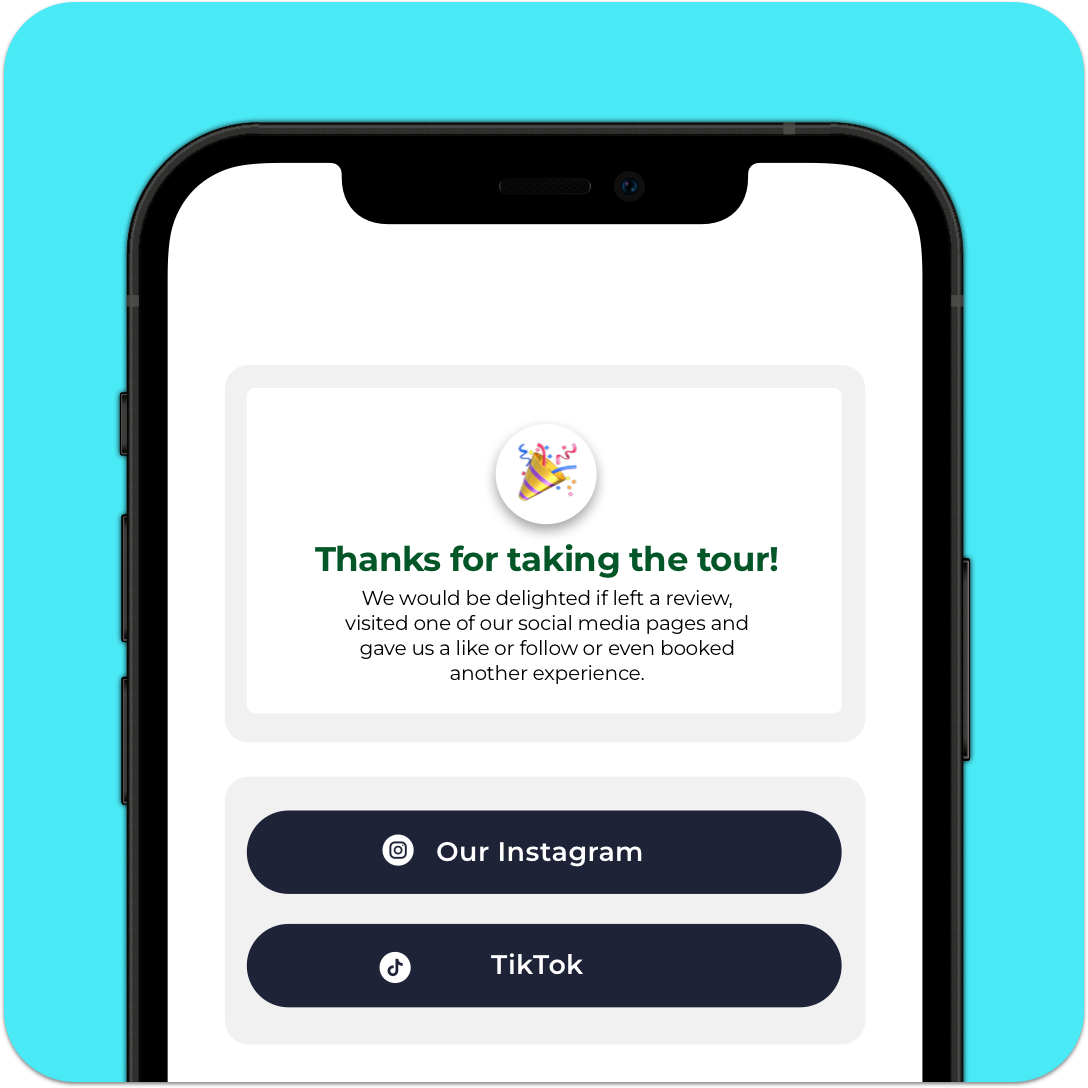

From surveys to songs – it’s all just a tap away. Send your guests wherever you want with just a tap! Whether it’s a survey, another tour, a cool landmark, or even your favorite song, our tool makes it super easy and fun, driving further guest engagement.

Guide Gallery offers a comprehensive and user-friendly platform for showcasing your guides. The detailed profiles, review collection, and social media integration ensure a seamless experience for guests, leading to enhanced guest engagement.

Experience increased guest engagement, tips, and reviews with Guide Gallery. Our solution has helped hundreds of activity providers optimize their guide recognition and enhance their services.

Our dedicated support team is available to assist with setup and provide ongoing assistance. We ensure that you get the most out of Guide Gallery, helping you enhance your tipping and review process and boost guest engagement.
You can share the Guide Gallery link in your post-tour emails or text messages, and TripAdmit also gives you a QR code to display on buses, boats, vehicles, or tip jars. Scanning or tapping the code takes guests straight to the gallery – no app download or login required.
A profile shows the guide’s photo, name (or nickname), short bio, and a direct link to the guide’s TipDirect tipping page. Guides can edit photos, bios, and nicknames at any time from their TripAdmit dashboard.
There’s no time limit. The gallery link and QR code remain active indefinitely, so guests can return whenever they’re ready to show appreciation. Many operators see tips and reviews continue to come in weeks – or even months – after the original experience.
Absolutely. The built-in multi-currency engine lets visitors tip in their home currency; the system auto-converts so guides receive funds in their local currency without extra steps.
Core Guide Gallery functions are included on the Essential plan, but automated review posting, upsell screens, and other premium widgets are part of the Pro and Pro Plus tiers.
Simply send the single “master link” to your Guide Gallery. Guests scroll the grid, spot their guide’s photo or search for them by name or nickname, and leave a review or tip without needing a personalised link. This is TripAdmit’s recommended workflow when you don’t track guide tour assignments.
If you’re ready to turn customer feedback into a competitive advantage, TripAdmit’s Product Improvement Platform gives you the intelligence to identify opportunities, fix vulnerabilities and continuously improve your tours.