
This feature allows activity providers to utilize their resources (bus, car, boat, table or building) as additional touchpoints for collecting tips and reviews.

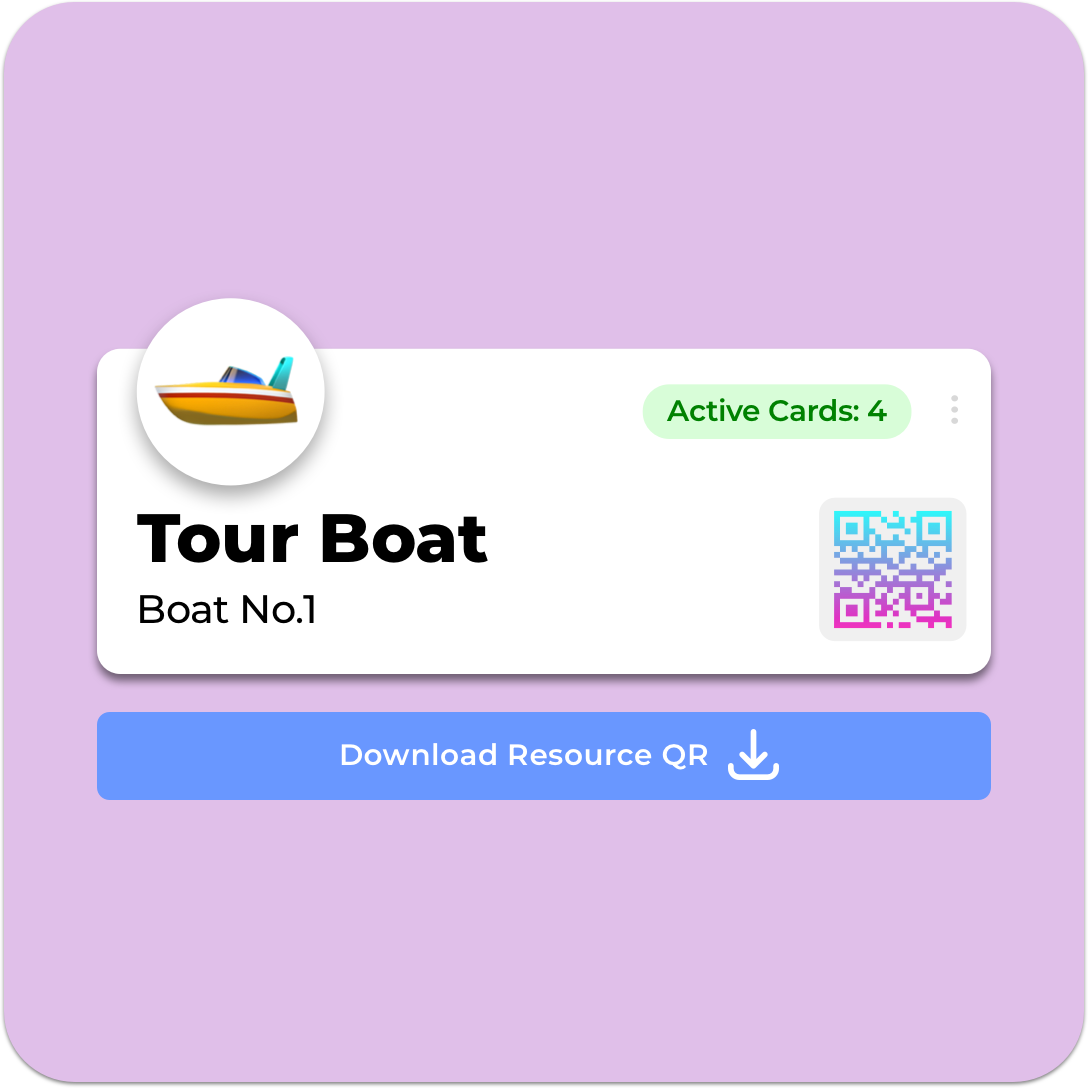
Begin by creating a new resource within your TipDirect Pro or Pro Plus account. This resource can be any asset you use for your service, such as a bus, car, boat, tables or buildings. Creating a resource involves logging into your TipDirect account and navigating to the resources section, where you can enter details about the resource.
After creating the resource, the system will generate a unique QR code for it. This QR code is crucial as it will link the resource directly with your company and guides. Print the QR code on flyers and stickers and ensure the QR Code is clear and scannable.
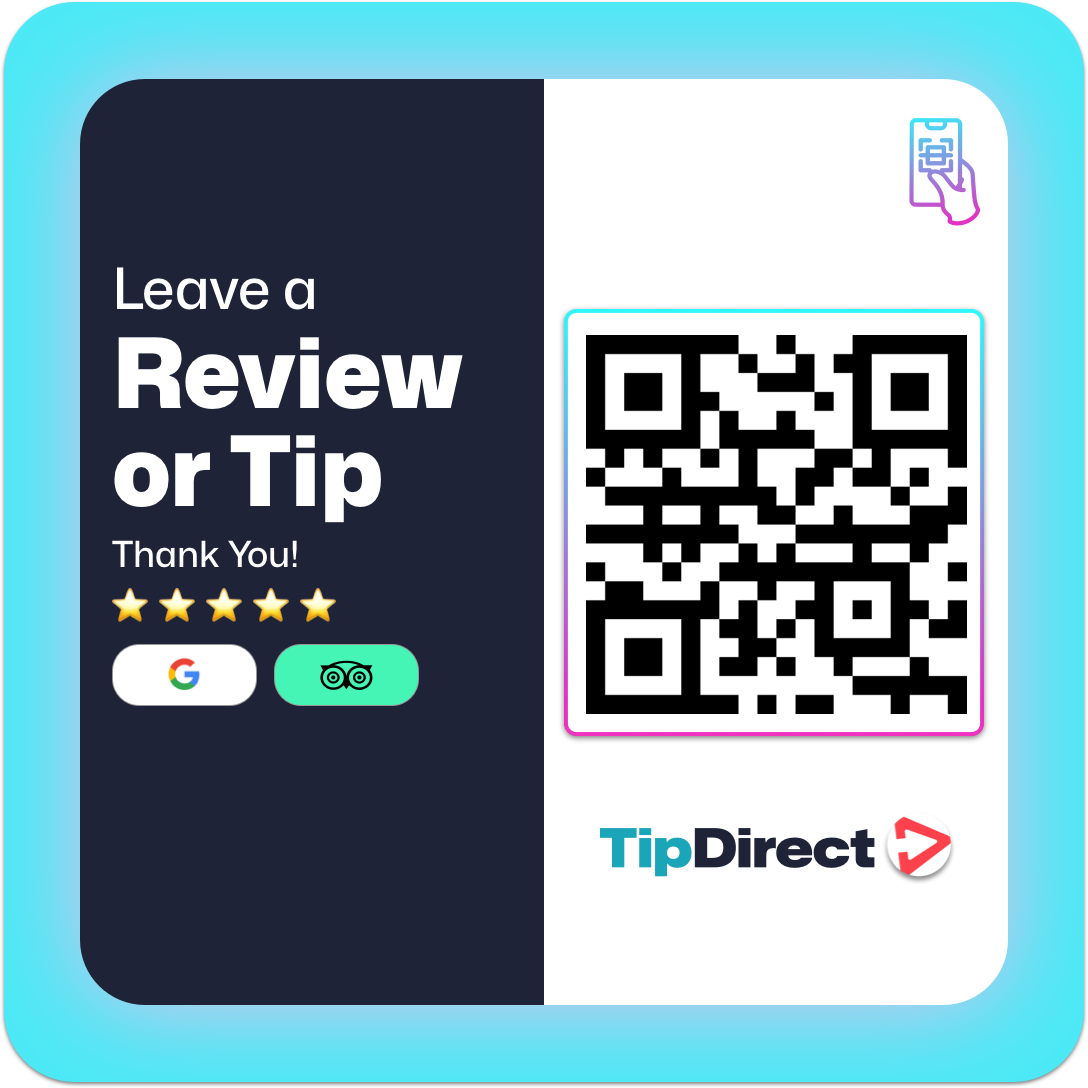
Place the printed QR code in a prominent and easily accessible location on the resource. For example, on a bus, you could attach it to the back of each seat; on a table, you could place it in the center or at the edge; for a car or boat, you might attach it near the entrance or on a passenger seat. The goal is to ensure it is visible and easy for visitors to scan.
For the period of their shift, guides and drivers can now temporarily take over and claim all the QR codes on the resource through the TipDirect App. When a guide or driver claims a resource, they become the designated recipient for all tips and credited for the reviews linked to that resource during their shift.

If a resource is not claimed by you or another guide, the QR code will default to linking with the company’s Guide Gallery. The Guide Gallery is a collection of all guides associated with the company, ensuring that tips and reviews are still collected and distributed fairly. This default setting ensures no tips are lost and visitors can continue to leave their appreciation and reviews.
If you’re curious about how TipDirect can benefit your tours, need guidance, or want to explore our solutions in action, our sales team is here to assist. Get in touch today, and we’ll be delighted to help!

