
Essential features designed to empower guides with effortless tipping and review collection.


This innovative solution allows guides to share their personal tipping link or QR code with guests, ensuring a seamless and efficient process for collecting tips and reviews. Whether guests prefer to scan a QR code on the spot or access a personal link later, Personalized Links & QR Codes make it easy and convenient.
With Personalized Links, each guide receives a unique tipping link that they can share with guests. This link directs guests to their personalized tipping and review page, where they can leave a tip and share their feedback. The link can be easily shared through text messages, emails, or social media, providing flexibility and convenience for both guides and guests.


Each guide is also provided with their own individual QR code for tips and reviews, which can be displayed prominently during tours or activities. Guests can simply scan the QR code with their smartphones to access the tipping and review page instantly. The QR code can be printed on business cards, brochures, or displayed on digital devices, offering multiple ways to engage with guests.
In addition to tipping, Personalized Links & QR Codes facilitate the collection of guest reviews. This integrated approach allows guests to leave feedback immediately after their experience, ensuring timely and relevant reviews that can help improve services and boost online reputation.
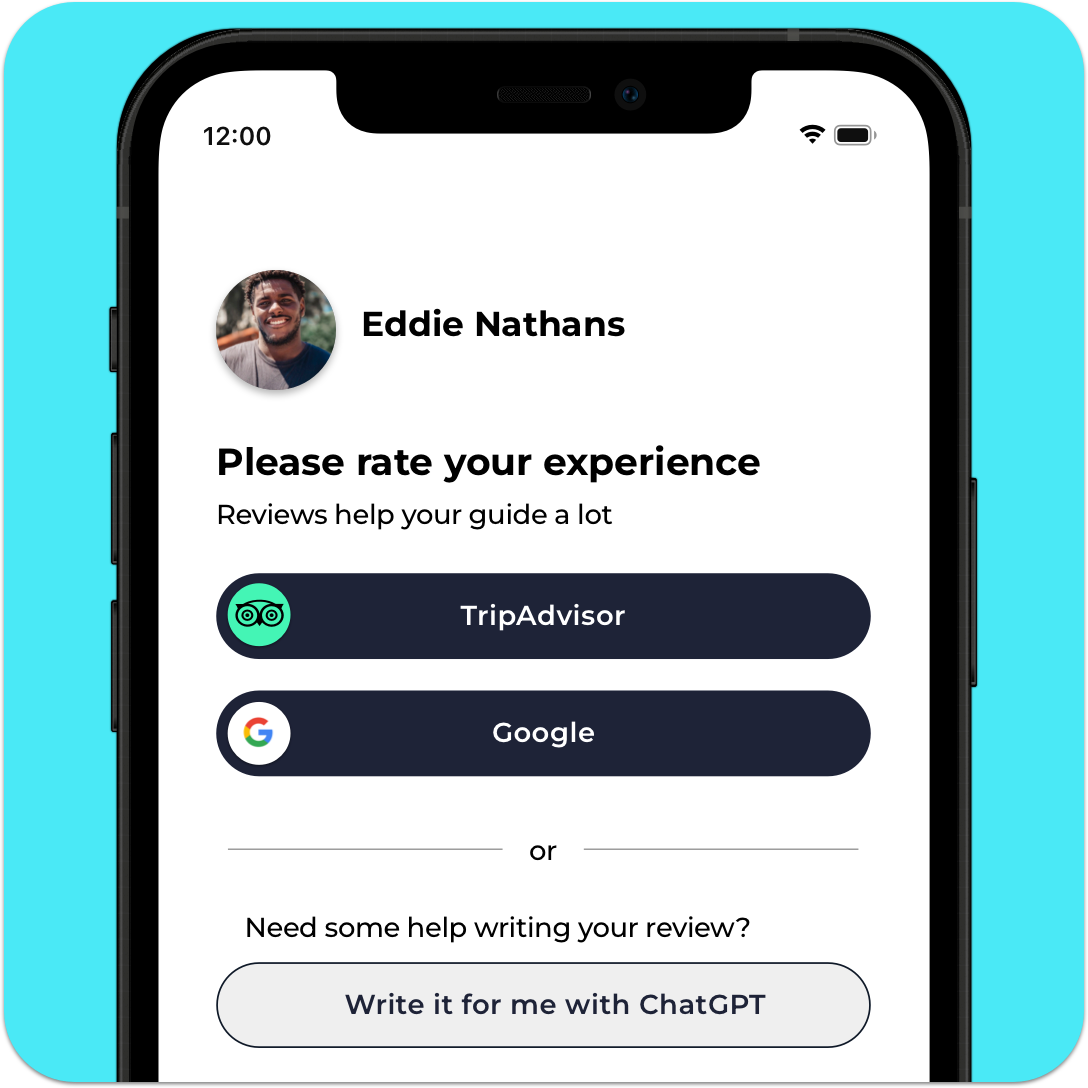

By providing multiple ways for guests to tip, Personalized Links & QR Codes significantly increase the likelihood of receiving tips. Guests can choose the method that is most convenient for them, ensuring that no tipping opportunity is missed.

The ease and convenience of scanning a QR code or accessing a personalized link enhances guest engagement. Guests are more likely to leave a tip and a review when the process is straightforward and accessible.

The ability to collect reviews in real-time ensures that feedback is fresh and relevant. Activity Providers can receive immediate insights into performance, allowing for quick adjustments and continuous improvement.
Personalized Links & QR Codes offer flexibility for both guides and guests. Whether guests prefer to tip and review immediately or at a later time, this solution accommodates their preferences, making the process more convenient for all.
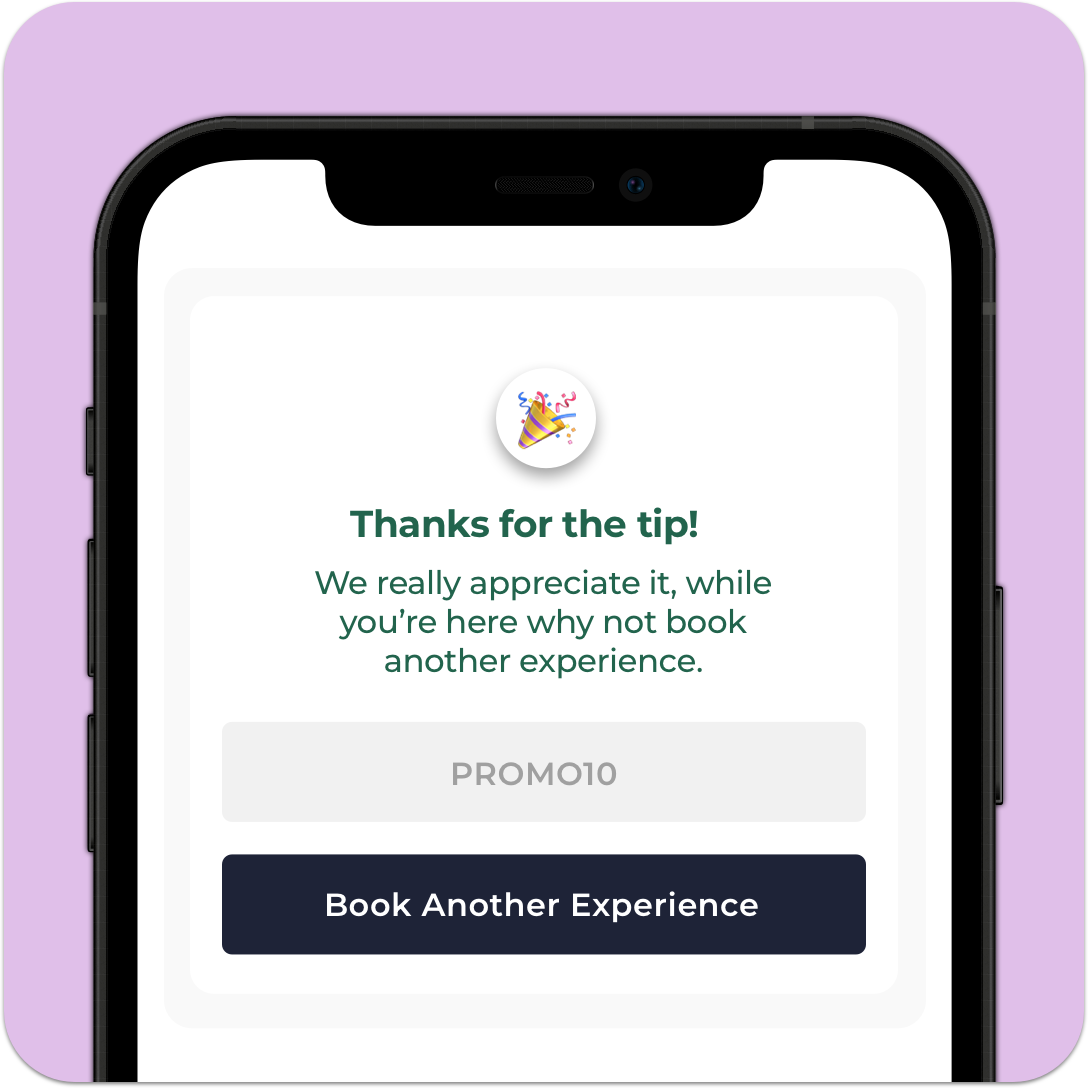
The Ultimate Tool for Maximizing Tour Potential. Seamlessly offer discounts, promotions, and upsell services while enhancing the guest experience with our innovative and integrated Tour Upsell solution.
Boost Social Media Engagement Effortlessly. Connect guests to your social platforms, increasing followers, likes, and shares. Turn satisfied guests into loyal followers and brand advocates with our cutting-edge tool.
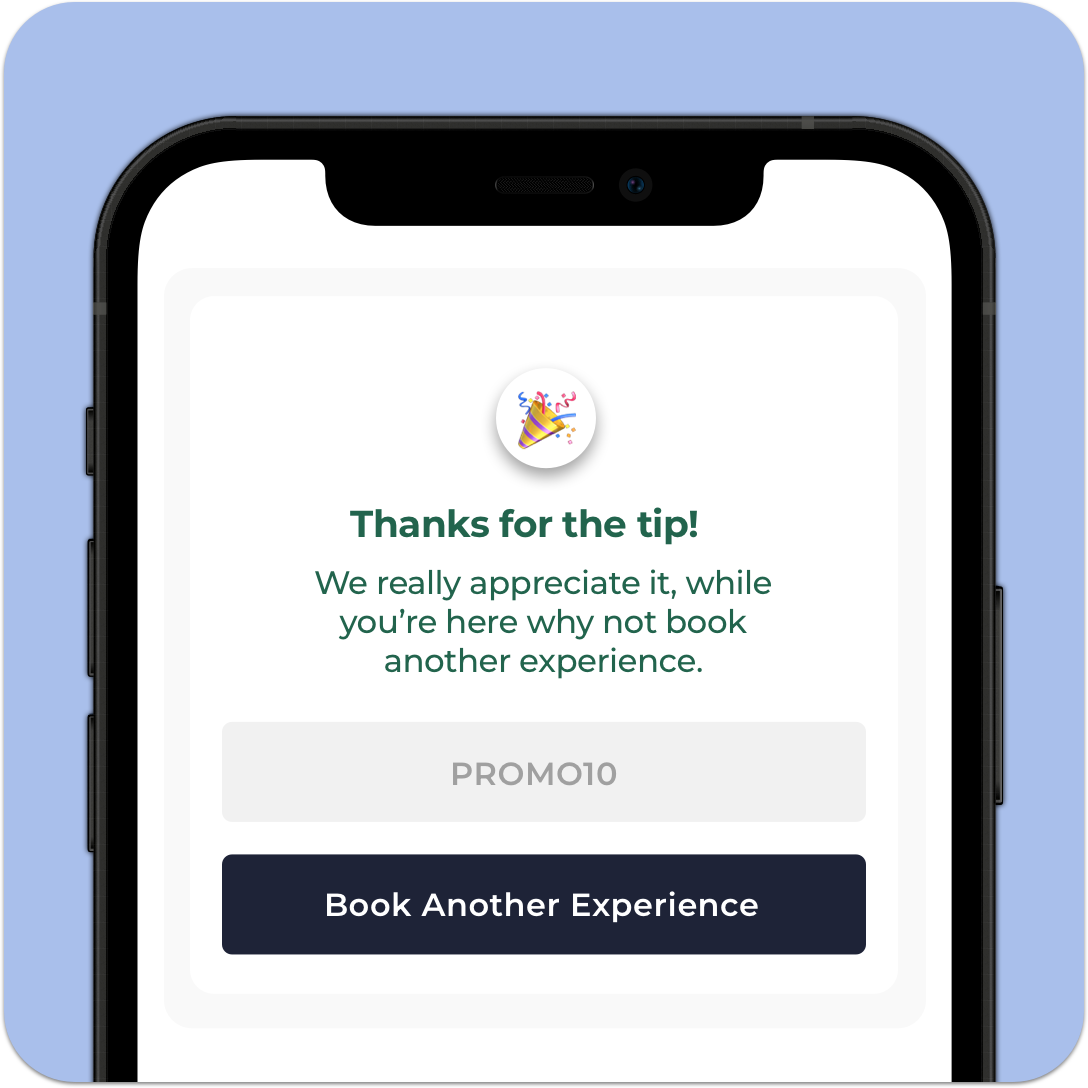

From Surveys to Songs – It’s All Just a Tap Away. Send your guests wherever you want with just a tap! Whether it’s a survey, another tour, a cool landmark, or even your favorite song, our tool makes it super easy and fun.
Personalized Links & QR Codes leverage innovative technology to provide a seamless and user-friendly tipping and review collection solution. Our platform ensures that guests have multiple convenient ways to engage and leave feedback.
Guests have the option to scan the QR code on the spot or use the personalized link to access the tipping and review page later. This flexibility ensures that guests can tip and leave reviews at their convenience, enhancing their overall experience.

Our dedicated support team is available to help with setup and provide ongoing assistance. We ensure that you get the most out of Personalized Links & QR Codes, helping you enhance your tipping process and boost guest satisfaction.
Each guide has their own unique, shareable links and scannable QR codes generated in your TripAdmit dashboard. When a guest taps or scans, TipDirect opens instantly for contactless tipping and same-screen reviews – no app, no login.
The link or QR code launches a secure tipping payment page in the phone browser of the guest. Guests choose a tip amount, tap Pay, and – if they wish – leave a review, all in one seamless contactless tipping flow.
From the TipDirect dashboard they copy the branded link and drop it into post-tour SMS, WhatsApp, email, social DMs – whatever channel they use. Because it’s a guide’s personal link, every contactless tipping payment and review is automatically sent directly to that guide
Print it on lanyards, business cards, vehicle decals, or guest hand-outs, and show it on phones or tablets at the end of the tour. The code is tied to each guide’s TipDirect profile, keeping contactless tipping simple and on-brand everywhere.
Yes. Because the link lives in their message history – and the QR can be photographed – guests can revisit it that evening, next week, or anytime for delayed contactless tipping and feedback
Absolutely. The payment “thank-you” screen prompts the guest to rate their guide and tour, so reviews flow in right alongside contactless tipping without extra follow-up emails.
Yes. Pro and Pro Plus tiers let you apply custom colours, logos, and coming soon, a vanity domain, so the contactless tipping page looks like a seamless extension of your brand.
Simply create your account or log in to TripAdmit, Personalized Links & QR Codes are generated automatically once an account is created. Or click Book a Demo for a guided tour of TripAdmit’s contactless tipping ecosystem.
If you’re curious about how TipDirect can benefit your tours, need guidance, or want to explore our solutions in action, our sales team is here to assist. Get in touch today, and we’ll be delighted to help!